
If you spend long hours at a desk, you may have already experienced how quickly poor posture can lead to discomfort and pain. As a chiropractor, I want to emphasize the importance of creating an ergonomic workspace that supports your body’s natural alignment. By making a few simple adjustments and adopting healthy habits, you can significantly enhance your posture and overall well-being.
Here are some effective strategies to improve your work environment and promote a healthier lifestyle:
- Chair Support: Ensure your chair provides adequate lumbar support. Your lower back should have a gentle curve, which helps maintain proper spinal alignment. If your chair doesn’t have built-in support, consider using a lumbar roll or cushion.
- Desk Height: Your desk should be at a height that allows your elbows to remain at a 90-degree angle while typing. This position helps prevent strain on your shoulders and neck.
- Screen Position: Position your computer screen at eye level to avoid straining your neck. The top of the monitor should be at or just below eye level, so you can maintain a neutral neck posture.
- Foot Placement: Keep your feet flat on the ground or on a footrest. This helps distribute your body weight evenly and can alleviate pressure on your lower back.
- Take Breaks: Incorporate regular breaks into your routine. Stand up, stretch, and walk around every hour. This not only helps relieve muscle tension but also aids in maintaining good circulation.
- Stretching and Strengthening: Incorporate simple stretches and exercises into your daily routine to strengthen your back and core muscles. Yoga and Pilates can be excellent options for promoting flexibility and stability.
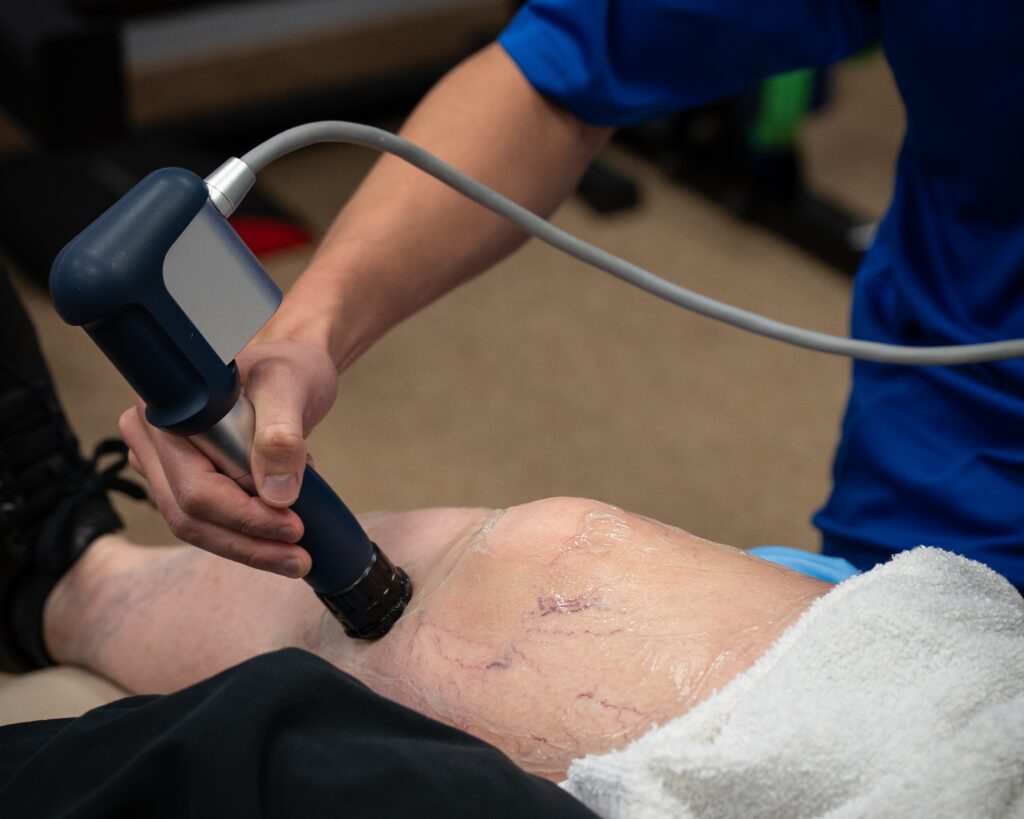
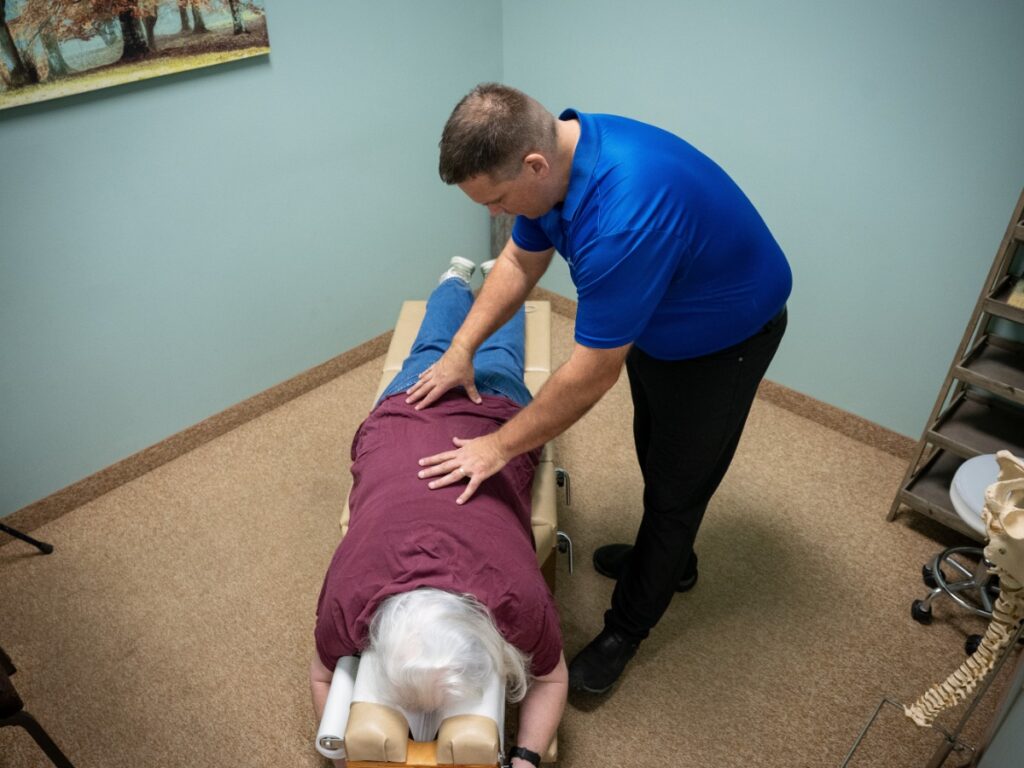
- Chiropractic Care: Regular visits to a chiropractor can play a crucial role in maintaining your spinal health. Chiropractic adjustments can help realign your spine, alleviate pain, and improve your overall posture. This natural approach to health care supports your body’s healing processes without the need for medications or surgeries.
By implementing these strategies, you can create a more supportive workspace and enhance your posture, which in turn can lead to a healthier, pain-free life. Remember, maintaining good posture is a vital component of overall health, and chiropractic care is an excellent resource for achieving and sustaining your wellness goals.
Key Takeaways
- Start by adjusting your desk and chair height to ensure that your elbows form a 90-degree angle and that your lower back has proper support. This is crucial for maintaining a healthy spine and preventing discomfort while you work.
- Ensure your monitor is positioned at eye level, about an arm’s length away. This simple adjustment can significantly reduce neck strain and help keep your spine aligned, which is essential for overall well-being.
- Remember to take regular breaks throughout your day to stand, stretch, and move around. These brief pauses not only relieve tension but also improve circulation, promoting a healthier body and mind.
- Incorporate mindfulness practices into your work routine to enhance your body awareness. Being conscious of your posture can help you maintain a strong, aligned spine, which is vital for avoiding pain and discomfort.
- Regular chiropractic care can be a game-changer for your spinal health. It complements your ergonomic workspace and can help alleviate pain while supporting your journey toward optimal health. With chiropractic adjustments, you can enhance your body’s natural healing abilities and boost your productivity.
By implementing these simple tips and considering chiropractic care, you’re taking proactive steps toward a healthier, pain-free work life.
Ergonomic Workspace Setup
Creating an ergonomic workspace is essential for your overall health and wellness, especially when it comes to maintaining a healthy spine. An ergonomic setup not only enhances comfort but also supports your body’s natural alignment, which can help alleviate pain and promote natural healing.
Start by adjusting your desk height so that your elbows are at a 90-degree angle when typing. This position helps reduce strain on your shoulders and back, which is crucial for spinal health. Your monitor should be at eye level, about an arm’s length away, to prevent unnecessary strain on your neck and eyes. If you frequently refer to papers, consider using a document holder to keep them aligned with your screen height, helping to avoid awkward neck positions.
Investing in a good chair that offers support for your lower back is vital. Ensure that your feet can rest flat on the floor or on a footrest to maintain proper posture. Keep your workspace organized so that frequently used items are within arm’s reach, which will minimize unnecessary stretching and twisting that can lead to discomfort.
Proper lighting is also important; it can help prevent glare on your screen, reducing eye strain. Additionally, make it a habit to take regular breaks. Stand up, stretch, and move around to promote circulation and reduce fatigue—these are key components for maintaining a healthy spine.
By making these adjustments, you create a workspace that not only enhances your productivity but also supports your journey towards optimal health.
Importance of Proper Seating
Proper seating is crucial for maintaining your posture and overall comfort, especially during those long hours spent at your desk. Choosing the right chair can significantly reduce strain on your back and neck, which will help you focus better on your work. When you select a chair that supports the natural curve of your spine, you’re likely to experience less discomfort and fatigue, which can contribute to a healthier lifestyle.
As a chiropractor, I want to emphasize that your seating choice can impact your spinal health. Here’s a quick comparison of different seating options and how they can support your well-being:
| Seating Type | Benefits |
|---|---|
| Ergonomic Chair | Designed to support good posture and often adjustable to fit your unique body shape. |
| Office Chair | Generally comfortable and cushioned, but ensure it provides adequate lumbar support. |
| Stool | Encourages active sitting, which can help engage your core muscles and promote better posture. |
| Gaming Chair | Typically offers lumbar support, but be mindful of prolonged use without movement. |
| Ball Chair | Engages core muscles, but be cautious and alternate with other seating to avoid fatigue. |
To enhance your seating experience and promote spinal health, consider these general tips:
- Adjust Your Chair: Ensure your chair height allows your feet to rest flat on the floor, with your knees at a 90-degree angle. This helps maintain proper circulation and posture.
- Take Breaks: Stand up, stretch, and move around every hour. This can relieve tension and prevent stiffness.
- Mind Your Screen Height: Keep your computer monitor at eye level to avoid straining your neck. A good rule of thumb is to position the top of the screen at or just below eye level.
- Stay Hydrated: Drinking water throughout the day can help keep your body functioning well and reduce fatigue.
- Consider Chiropractic Care: Regular visits to a chiropractor can help ensure your spine stays aligned and can alleviate discomfort caused by poor posture or prolonged sitting.
Exercises to Strengthen Posture
Strengthening your posture is essential for long-term comfort and health, especially if you find yourself spending hours at a desk. As a chiropractor, I believe that incorporating specific exercises into your daily routine can make a significant difference in your overall well-being.
Here are a few simple yet effective exercises you can do to enhance your posture and support your spine naturally.
Start with wall angels: Stand with your back against a wall, arms bent at 90 degrees. Slide your arms up and down against the wall while keeping your back flat. This exercise helps improve shoulder mobility and posture, making it easier to maintain a healthy alignment throughout your daily activities.
Next, let’s talk about the plank. This exercise is great for strengthening your core, which plays a vital role in supporting your spine. To do a plank, hold a straight body position on your forearms and toes for about 30 seconds. Focus on engaging your abdominal muscles, which will help stabilize your spine and promote better posture.
Don’t forget to include stretches, such as the cat-cow stretch, in your routine. Get on all fours, arch your back upward, and then gently dip it down. This movement not only increases flexibility but also helps relieve tension in your spine, allowing for greater mobility.
By incorporating these exercises regularly, you can effectively counteract the slouching tendency that often comes with desk work.
Remember, maintaining good posture is crucial for a healthy spine, and chiropractic care can be an excellent choice for achieving optimal health. Regular chiropractic adjustments can help align your spine and improve your posture, providing you with the pain relief and natural wellness you deserve.
Take these tips to heart, and consider adding chiropractic care to your wellness routine for a holistic approach to health and well-being. Your spine will thank you!
The Role of Desk Accessories
Your desk accessories play a crucial role in supporting your spinal health, especially during those long hours at work. Maintaining good posture is essential for reducing strain on your back and neck, and it can significantly impact how you feel at the end of the day.
As a chiropractor, I want to share how you can optimize your workspace to promote better posture and overall wellness.
First, consider investing in an ergonomic chair that provides proper lumbar support. This helps maintain the natural curve of your spine and can prevent discomfort.
Next, pay attention to your keyboard and mouse setup. Ensure that they’re positioned so that your wrists are straight and your elbows are at a 90-degree angle. This simple adjustment can alleviate tension in your upper body and prevent repetitive strain injuries.
Additionally, monitor height is key. Your screen should be at eye level so that you can keep your head in a neutral position. If you find yourself looking down or craning your neck, it’s time to make some adjustments.
This won’t only help with your posture but will also reduce fatigue and eye strain.
Remember, taking regular breaks to stand, stretch, and move around is vital for your spinal health. Incorporate simple stretches into your day to help alleviate tension and keep your body relaxed.
By making these adjustments in your workspace, you can significantly enhance your comfort and support your posture.
If you experience any pain or discomfort, consider visiting a chiropractor who can help you achieve optimal health and wellness through natural healing methods. Your spine will thank you!
Ergonomic Chair Importance
While an ergonomic chair is crucial for maintaining good posture during long hours at a desk, pairing it with the right desk accessories can significantly enhance its benefits. Think of these accessories as supportive tools that promote your overall health and well-being.
| Accessory | Benefit | Importance |
|---|---|---|
| Footrest | Supports leg circulation | Reduces strain on lower back |
| Desk mat | Cushions feet | Enhances comfort and stability |
| Monitor stand | Aligns screen height | Prevents neck and upper back strain |
Incorporating these accessories into your workspace creates a well-rounded approach to your health. When your ergonomic chair works in conjunction with these supportive tools, you not only enhance your comfort but also promote better spinal health.
As a chiropractor, I can’t stress enough the importance of maintaining proper alignment and reducing strain on your body throughout the day. Here are some simple tips:
- Adjust Your Footrest: Make sure your feet are flat and fully supported. This helps to reduce pressure on your lower back and encourages good posture.
- Use a Desk Mat: A cushioned mat can provide relief for your feet and legs, reducing fatigue and discomfort during long periods of sitting.
- Monitor Height Matters: Position your monitor at eye level to avoid straining your neck. This small adjustment can make a big difference in how you feel at the end of the day.
Keyboard and Mouse Setup
A well-organized keyboard and mouse setup isn’t just about comfort; it plays a crucial role in maintaining your spinal health and overall well-being. When you position your keyboard at elbow height, it helps keep your forearms parallel to the ground, which is vital for preventing strain on your neck and back.
Make sure your wrists are straight while typing; using a wrist rest can be a simple yet effective way to maintain this neutral position.
It’s also important to keep your mouse close to the keyboard. This minimizes the need to reach, which can lead to discomfort and tension in your shoulders and upper back.
If you often work from a laptop, consider investing in an external keyboard and mouse. This can significantly improve your posture by allowing for better alignment of your spine.
Don’t forget that your mouse should feel comfortable in your hand. A proper fit allows for smooth movement without requiring excessive force, which can lead to repetitive strain injuries.
By making these adjustments to your workstation, you can reduce fatigue and discomfort, helping you remain productive and focused throughout your work hours.
Remember, prioritizing your setup isn’t just about immediate comfort; it’s about long-term health. Regular chiropractic care can also complement these ergonomic practices, helping to keep your spine in optimal condition and supporting your journey toward natural wellness.
Always listen to your body and make adjustments as necessary to ensure you’re working in a way that promotes health and vitality.
Monitor Height Adjustment
Proper monitor height adjustment is crucial for reducing eye strain, promoting good posture, and supporting your overall spinal health during long hours at your desk.
As a chiropractor, I emphasize that your monitor should be positioned at eye level. This way, you can avoid tilting your head up or down, which can lead to discomfort and tension in your neck and spine. Ideally, the top of your screen should align with your eyes, and you should sit about an arm’s length away.
If your monitor’s height isn’t adjustable, consider using a stand or a stack of books to lift it to the appropriate level. This simple adjustment can make a significant difference in your comfort and well-being.
Additionally, be mindful of glare; position your monitor away from windows or bright lights to reduce eye strain.
Remember, a well-set-up workstation not only enhances your comfort but also helps maintain focus on your work, reducing fatigue and improving productivity throughout the day.
As you prioritize your workspace ergonomics, don’t forget the importance of regular chiropractic care. Chiropractic adjustments can help ensure your spine remains aligned and healthy, supporting your overall wellness and ability to thrive in your daily activities.
Take care of your body, and it will take care of you!
Regular Breaks and Movement
Taking regular breaks and moving around is essential for maintaining good posture and overall health, especially when it comes to spinal wellness.
As a chiropractor, I can’t stress enough the importance of stretching and movement to relieve tension and keep your muscles flexible throughout the day. This is crucial for preventing discomfort and ensuring your spine remains aligned.
Setting reminders to take breaks can be very beneficial; it encourages you to incorporate movement into your daily routine. Simple activities, like standing up, walking around, or doing gentle stretches, can aid in spinal health and promote better circulation.
Remember, chiropractic care is a natural approach to achieving optimal health and relieving pain. By making movement a priority and listening to your body, you can enhance your well-being and support your spine without the need for medications or surgeries.
Importance of Stretching
Even when you’re deeply engrossed in your work, it’s crucial not to overlook regular breaks and movement. Sitting for extended periods can lead to stiffness and discomfort, making it essential to incorporate stretching into your daily routine. Stretching not only alleviates tension but also promotes better blood flow to your muscles, enhancing flexibility and significantly reducing the risk of injury.
As a chiropractor, I encourage you to embrace simple stretches such as shoulder rolls, neck tilts, and wrist flexes. These movements can create a notable difference in how you feel throughout the day. I recommend taking a moment to stretch every hour; this practice can refresh both your mind and body, helping you to stay alert and productive.
In addition to stretching, consider scheduling regular chiropractic adjustments. These can help align your spine and improve your overall health, supporting your body’s natural ability to heal and function optimally.
Setting Movement Reminders
While it’s easy to get absorbed in your daily tasks, setting movement reminders can significantly enhance your productivity and overall well-being. As a chiropractor, I encourage you to prioritize short breaks every hour to stand up, stretch, or take a brief walk. This simple practice can help alleviate spinal tension and improve your posture, ultimately contributing to better health.
You can use apps or timers on your phone to remind you to take these essential breaks. Even just 5 minutes of movement can refresh your mind and relieve stress.
Consider incorporating standing or walking meetings into your routine. These not only promote physical activity but also stimulate creative thinking while discussing important topics. If you have access to a sit-stand desk, alternating between sitting and standing can further support your spinal health.
By making movement a regular part of your day, you’ll enhance circulation, boost focus, and create a healthier work environment.
Remember, staying active isn’t solely about hitting the gym; it’s about integrating movement into your everyday life. As a chiropractor, I can assure you that these small changes can lead to significant benefits for your spine and overall health.
Prioritize your movement, and you’ll be taking a vital step towards achieving optimal wellness.
Mindfulness and Body Awareness
As you navigate your workday, fostering mindfulness and body awareness can significantly enhance your posture and overall well-being, and chiropractic care can be a vital part of that journey. Start by tuning into your body and noticing how it feels throughout the day. Are your shoulders hunched? Is your back tense? Just a few moments of self-reflection can help you catch poor posture before it becomes a habit, and if you’re experiencing discomfort, a visit to your chiropractor can provide targeted relief.
Incorporate simple breathing exercises into your daily routine. Deep, slow breaths not only ground you but also serve as a gentle reminder to check in with your body. You might also consider taking short breaks to stretch—this is a great way to allow your muscles to relax and reset, which can complement the adjustments you receive in chiropractic care.
Practicing mindfulness helps you stay present and can significantly reduce stress and tension that may lead to slouching. Visualizing a strong, aligned spine while you work can enhance your awareness of your posture.
Remember, regular chiropractic adjustments can help maintain that alignment, keeping your spine healthy and your body functioning optimally.
By fostering this awareness and considering chiropractic care as an essential part of your wellness routine, you’ll not only improve your posture but also enhance your focus and productivity, creating a healthier work environment for yourself.
Prioritize your spinal health—it’s a natural and effective way to achieve optimal wellness!
Conclusion
As a chiropractor, I want to emphasize the importance of maintaining an ergonomic workspace to support your spine and overall health. By investing in supportive seating and integrating gentle exercises into your daily routine, you can effectively address common desk job posture issues.
Remember, your workspace accessories play a crucial role too. Adjustable chairs, monitor stands, and footrests can help create a more comfortable environment that promotes good posture. It’s also vital to take regular breaks to move and stretch—this helps to keep your body active and reduces the strain on your spine.
In addition to these practical changes, practicing mindfulness can enhance your awareness of posture throughout the day. By being conscious of how you sit and move, you can make adjustments that prevent discomfort and pain.
Embracing these strategies not only fosters a healthier work environment but also contributes to your overall well-being. By prioritizing your spinal health through chiropractic care, you can achieve optimal health naturally. Start implementing these tips today and take a proactive step towards a pain-free life!