
Back Pain at Work in Blaine: Ergonomics, Movement, and Chiropractic Care
If you work at a desk here in Blaine, chances are you’ve felt that familiar ache in your lower back or tightness between your shoulder blades by midafternoon. Back pain at work is common, but it’s not something you have to accept as “just part of the job.” With the right ergonomic setup, movement habits, and chiropractic care, most people can work comfortably and protect their spine long term. In this guide, I’ll break down simple, evidence-informed steps we use at Catalyst Chiropractic And Rehab to help our patients build a pain-smart workstation and feel better during the workday.
What is “back pain at work”? It’s back or neck discomfort that shows up or worsens during your workday, often from your desk setup, posture, and repetitive habits. It’s common but manageable with a focused evaluation, targeted chiropractic care, and small ergonomic changes you can do today.
Table of Contents
Why Back Pain at Work Matters in Blaine
Blaine has a lot of professionals who spend hours at computers, on calls, or commuting. Long periods of sitting or standing in one position load the spine in predictable ways.
Over time, small setup mistakes add up. The result is stiffness, fatigue, and sometimes sharp pain that limits focus and energy.
The good news: modest ergonomic changes and chiropractic care often lead to fast, meaningful relief.
How Office Ergonomics Affects Your Spine
Your spine likes neutral alignment and regular movement. Neutral means your ears, shoulders, and hips stack comfortably, with your natural spinal curves supported.
When your chair, desk, and monitor don’t match your body, you compensate. You round your low back, crane your neck forward, or twist to see a screen.
These patterns strain discs, joints, and muscles. Over days and weeks, that strain can become pain.
Common Workplace Mistakes (and Simple Fixes)
Small corrections pay off quickly. Here are some frequent trouble spots we see and how to fix them.
| Common Mistake | How It Affects the Spine | Quick Correction |
|---|---|---|
| Chair too low or too high | Loads hips and low back unevenly | Set seat so hips are level with or just above knees |
| Monitor too low | Drives head-forward posture and neck strain | Raise top of screen to eye level |
| Keyboard/mouse too far away | Shoulder rounding and mid-back fatigue | Keep them close; elbows near your sides |
| Feet dangling | Tilts pelvis, stresses low back | Use a footrest or sturdy box |
| Wallet/phone in back pocket | Creates pelvic tilt and sciatic irritation | Empty back pockets when sitting |
| Laptop off to one side | Persistent trunk and neck rotation | Center screen or use an external monitor |
| Cradling phone between ear/shoulder | Upper trap and neck compression | Use a headset or earbuds |
| Slumped sitting without back support | Stresses discs and ligaments | Use lumbar support; sit tall with relaxed shoulders |
The Biomechanics, Explained Simply
Think of your spine like a springy, segmented column. Discs act as shock absorbers. Joints guide motion. Muscles and ligaments support and steer every move.
When you hold one posture too long, tissues can fatigue and tighten. Joints lose a bit of their normal glide, and nerves may become irritated.
Changing positions and restoring healthy joint motion helps tissues heal and work the way they’re designed.
How Chiropractic Care Fits Your Workday
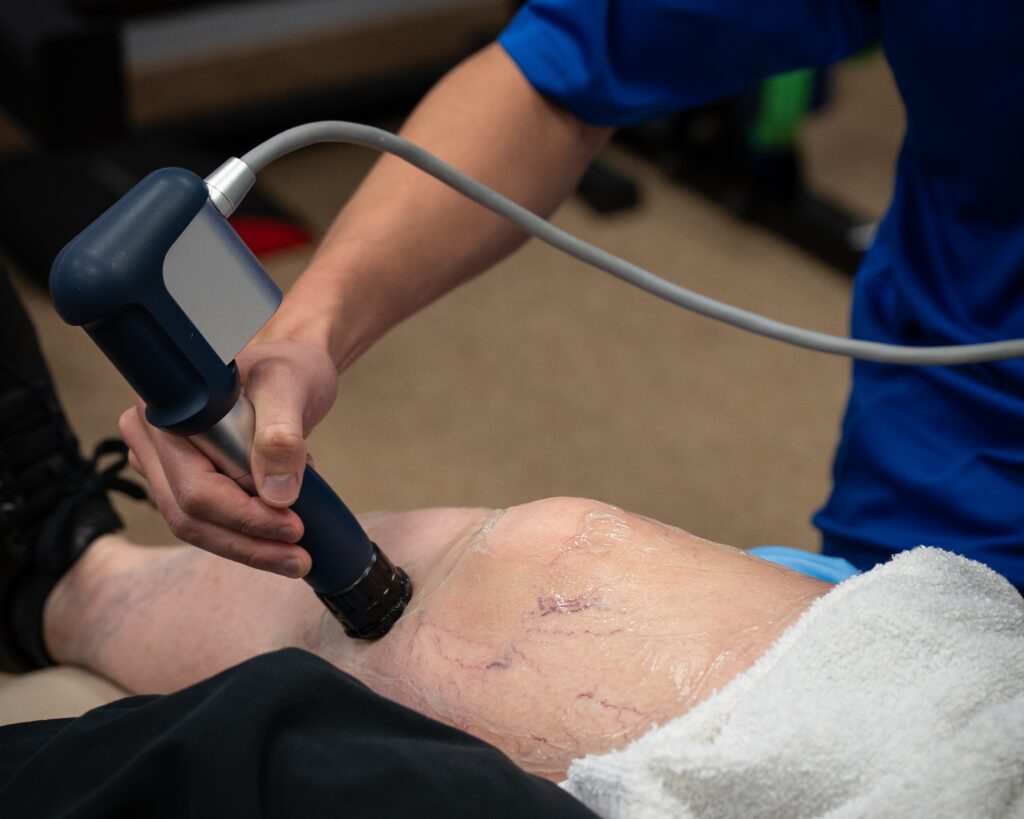
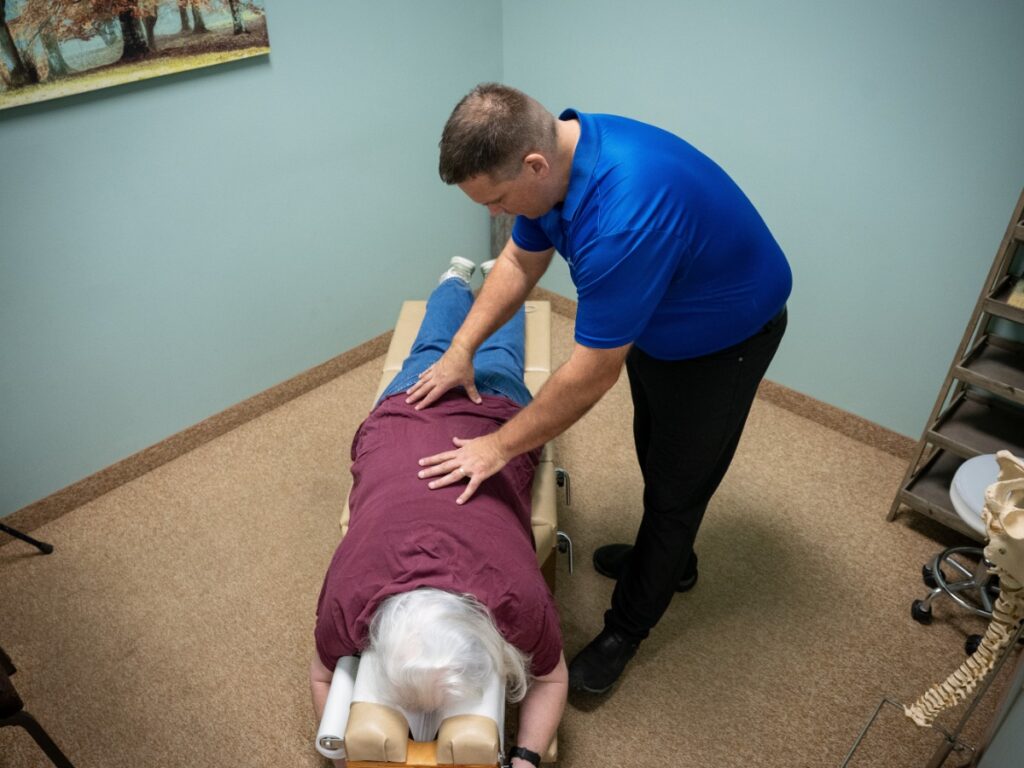
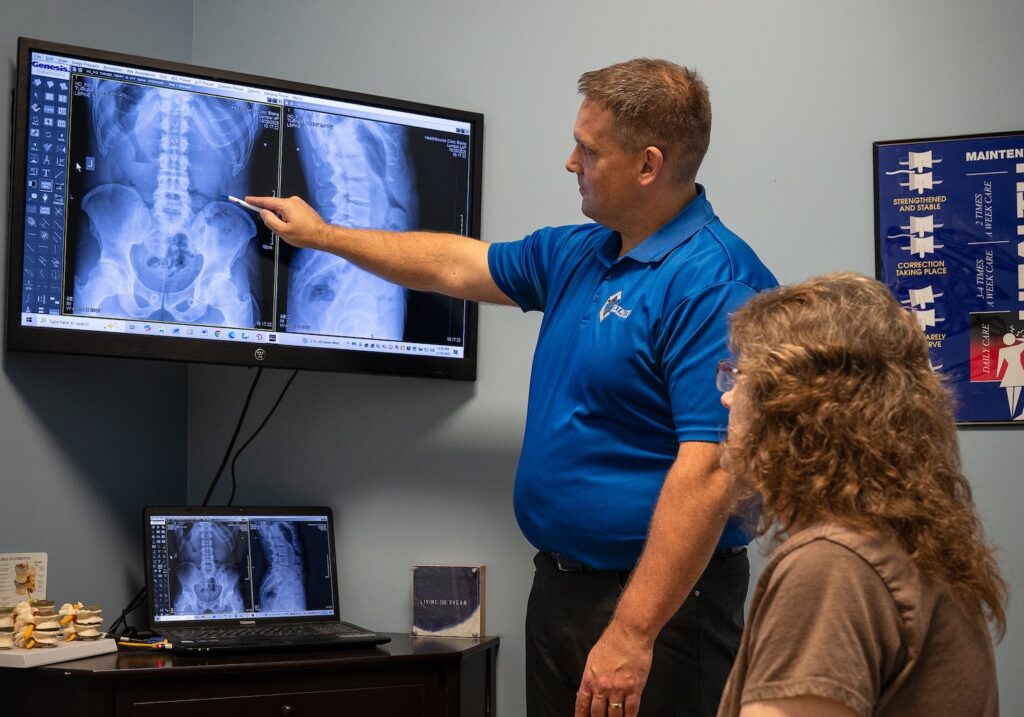
Chiropractic is a frontline, non-drug approach for spine-related pain and stiffness. In our Blaine clinic, we start with a focused exam to identify which joints are restricted, which muscles are overworking, and which habits are driving your discomfort.
Chiropractic adjustments aim to restore normal joint motion and reduce irritation. This often eases pain, improves mobility, and helps you sit, stand, and move more naturally.
We complement adjustments with targeted mobility work and ergonomic coaching, so your desk supports your recovery rather than fighting it. Care is tailored to your body and your job demands.
Evidence supports spinal manipulation as a conservative option for many people with back pain. Organizations such as the American College of Physicians list spinal manipulation among recommended noninvasive treatments for acute and chronic low back pain, and the National Center for Complementary and Integrative Health provides patient-friendly overviews on spinal manipulation safety and use. See ACP guidance and NCCIH resources for context: ACP, NCCIH.
Step-by-Step: Build a Pain-Smart Workstation
Chair and lumbar support: Adjust seat height so your hips are level with or slightly above your knees. Use the chair’s lumbar support (or a small pillow) to maintain your low back’s natural curve.
Seat depth: You should have a two-to-three-finger gap between the front edge of the seat and the back of your knees. If you can’t adjust depth, a small cushion behind your back can help.
Desk and elbow angle: Aim for elbows at about 90 degrees with your forearms relaxed on the desk. If the desk is too high, raise your chair and add a footrest.
Monitor height and distance: Place the monitor about an arm’s length away. The top of the screen should be at or just below eye level. For dual screens, center the one you use most.
Laptop users: Use a stand to raise the screen and add an external keyboard and mouse. Center everything to your midline.
Keyboard and mouse: Keep them close with neutral wrists. If your hands are large, a slightly larger mouse can reduce gripping strain.
Feet and hips: Feet flat or on a footrest. Keep hips even by removing anything from back pockets before you sit.
Standing desks: Alternate sitting and standing. Start with 20–30 minutes of standing a few times per day. Use an anti-fatigue mat and keep the same monitor and elbow-height rules.
Lighting and glare: Reduce screen glare so you’re not leaning forward to see. Raise your webcam to eye level for video calls to prevent neck craning.
Movement Breaks That Protect Your Back
Your tissues love variety. Small “movement snacks” spread through the day help far more than one big stretch session at night.
- Every 30–45 minutes: stand up, roll your shoulders, and take 5–6 deep belly breaths.
- Chin tucks: gently pull your chin straight back, hold 3 seconds, repeat 5 times.
- Hip hinge sit-to-stands: rise and sit with your chest tall and hips back, 5–10 reps.
- Thoracic opener: place hands behind your head, gently lift your chest, and extend over the back of your chair, 5 slow reps.
- Short walk: one minute down the hall or a quick stair lap resets your whole system.
When to See a Chiropractor in Blaine
If your back or neck pain lasts more than a week, keeps returning, or limits your workday, it’s time for a professional evaluation. You shouldn’t have to “push through” pain to do your job.
Other good reasons to schedule: stiffness every morning, pain that travels into the hip or shoulder blade, frequent self-cracking to get relief, or pain after switching to a new chair, desk, or remote-work setup.
At Catalyst Chiropractic And Rehab, we evaluate your spine, joints, and movement patterns, then tailor care to your specific needs. The goal is simple: restore motion, reduce pain, and help you work comfortably and confidently.
When to Seek Medical Care Urgently
Most desk-related back pain is not an emergency. However, get immediate medical attention if you notice any of the following:
- New bowel or bladder changes, numbness in the “saddle” area, or rapidly worsening leg weakness
- Fever with back pain, history of cancer with unexplained weight loss, or recent significant trauma
- Severe, unrelenting pain that doesn’t improve with rest or position changes
We can help you triage what you’re feeling and coordinate referrals when urgent care is appropriate.
Myths and Facts About Desk-Related Back Pain
- Myth: “Sitting is always bad.” Fact: Static positions are the real problem. Alternate postures and move often to keep tissues healthy.
- Myth: “A standing desk will cure my pain.” Fact: Standing helps some people, but variety and alignment matter more than any single posture.
- Myth: “I need the firmest chair possible.” Fact: Fit and support beat firmness. A chair that matches your body and supports your curves is best.
- Myth: “If my X-ray or MRI is normal, the pain isn’t real.” Fact: Many work-related pains are functional issues with joints and soft tissues. They’re very real—and very treatable.
Final Thoughts for Our Blaine Community
Back pain at work is common, but it’s not inevitable. With a smart workstation, regular movement, and chiropractic care focused on restoring healthy motion, you can feel better and work better.
If you live or work in Blaine and want a personalized plan, our team at Catalyst Chiropractic And Rehab is here to help you build a pain-free office routine that lasts.
FAQs
How high should my monitor be to avoid neck pain?
Place it about an arm’s length away with the top of the screen at or slightly below eye level. If you wear progressive lenses, a slightly lower screen may feel better.
Is a standing desk better for back pain?
It can help, but it’s not a cure-all. The real key is alternating positions and moving every 30–45 minutes.
How often should I get adjusted if I sit all day?
It depends on your exam findings and goals. We tailor frequency to your response and gradually space visits as your function improves.
Can chiropractic help sciatica from sitting?
For many people, restoring lumbar and pelvic motion and improving ergonomics can reduce sciatic irritation. An exam helps determine the right plan.
What kind of chair is best for back pain?
One that fits your body, supports your lumbar curve, and allows easy height and armrest adjustments. Fit matters more than brand or firmness.
Is it okay to self-crack my back?
Occasional self-manipulation isn’t unusual, but frequent cracking can indicate underlying restrictions elsewhere. A chiropractor can address the root cause.
TL;DR
- Back pain at work is common, but small ergonomic changes and chiropractic care can make a big difference.
- Set your chair, desk, and monitor to support a neutral spine; center your screen and keep keyboard/mouse close.
- Move every 30–45 minutes with simple “movement snacks” to reset your posture and circulation.
- See a chiropractor if pain lasts more than a week, keeps returning, or limits your workday; seek urgent care for red flags.
- Here in Blaine, Catalyst Chiropractic And Rehab helps desk workers build pain-smart setups and healthier movement habits.